Minecraft Education Edition – A Game-Changer in Learning
As education evolves with technology, Minecraft Education Edition stands out as a powerful tool that transforms learning. By combining the fun of gaming with structured lessons, it promotes creativity, collaboration, and critical thinking—making classrooms more interactive and engaging than ever.
Info Table
| Game Name | Minecraft Education Edition |
|---|---|
| Developed by | Mojang Studios, Xbox Game Studios |
| Category | Educational Game |
| Size | 150 MB (varies by device) |
| Latest Version | v1.21.1 (as of July 2025) |
| Compatible Devices | Windows, macOS, iPad, Chromebook |
| System Requirements | Windows 10+, macOS 10.14+, iPadOS 13+, ChromeOS |
| Downloads | 5,000,000+ |
| Rating | 4.6 out of 5 |
| Cost | Subscription-based (free trial available) |
| Updated On | Today |
What is Minecraft Education Edition?
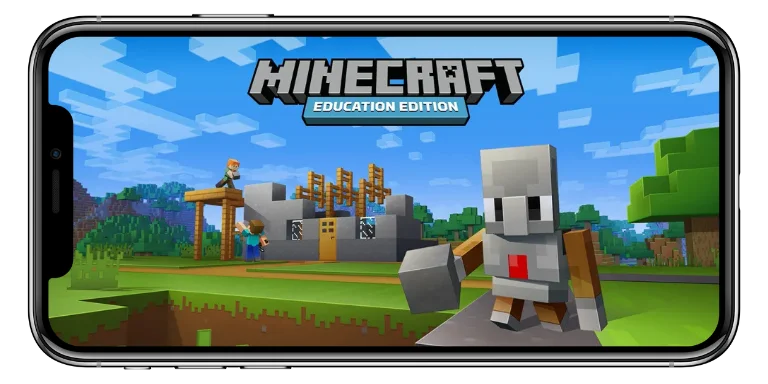
This classroom-focused version of the popular Minecraft game is designed to support learning in subjects like math, science, history, language arts, and coding. It provides students with a safe digital space to explore, build, and learn through interactive challenges and simulations.
Origins and Purpose
The platform was created after teachers began using the original Minecraft informally in classrooms. Recognizing its educational value, Mojang and Microsoft officially launched this edition in 2016. Its goal is to enhance engagement and promote hands-on learning that aligns with academic standards.
Key Differences from Regular Minecraft
While the gameplay remains familiar, this edition includes features tailored for educators and students:
- Classroom Mode: A dashboard for managing student activity and world settings
- Lesson Library: Hundreds of curriculum-aligned lessons
- Immersive Reader: Supports literacy through speech, translation, and grammar tools
- Code Builder: Allows coding with MakeCode and Python
- Collaboration Tools: Enables team-based building and exploration
These additions ensure a structured, safe learning environment.
Who It’s For
- Students: From elementary through high school
- Teachers: With tools and lesson plans to integrate the game into lessons
- Institutions: As part of STEM programs, clubs, or remote learning
Core Features of Minecraft Education Edition
This version adds unique capabilities to support both instruction and exploration.
Classroom-Friendly Tools
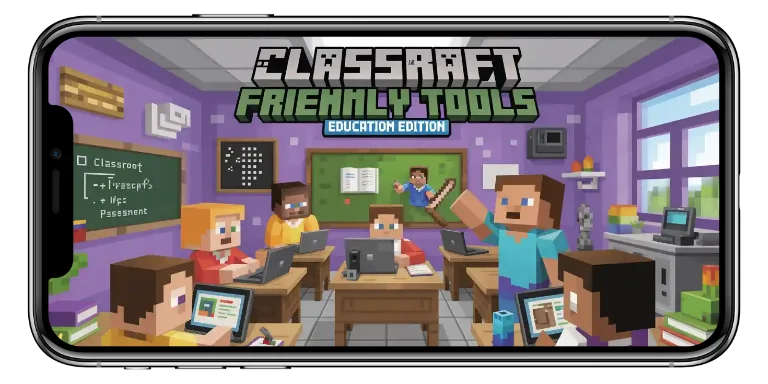
Tools like chalkboards and NPCs help structure in-game tasks. Chalkboards display instructions or questions, while NPCs guide students through activities with dialogue or embedded links.
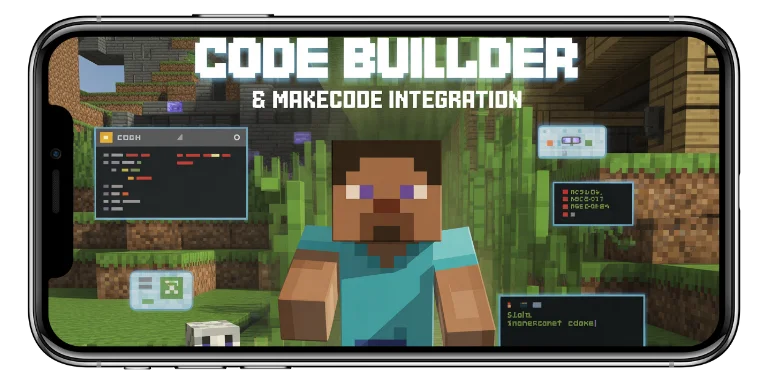
Code Builder & MakeCode Integration
The Code Builder lets students write simple or complex code. Beginners use block-based MakeCode, while advanced learners can switch to Python. This fosters logical thinking and creativity.
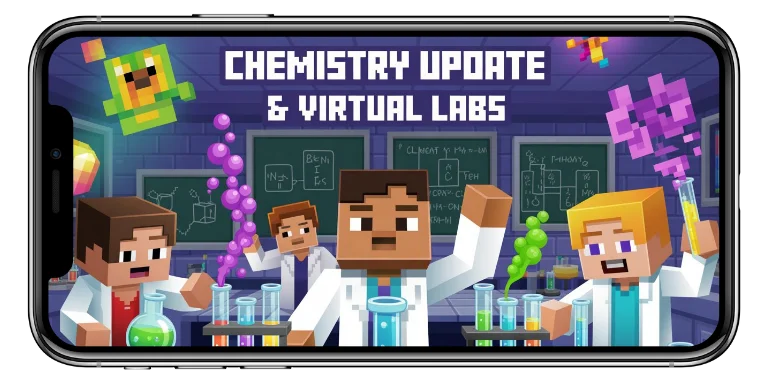
Chemistry Update & Virtual Labs
With the Chemistry Update, students conduct virtual experiments—creating compounds, testing reactions, and simulating atomic structures. It makes abstract science tangible.
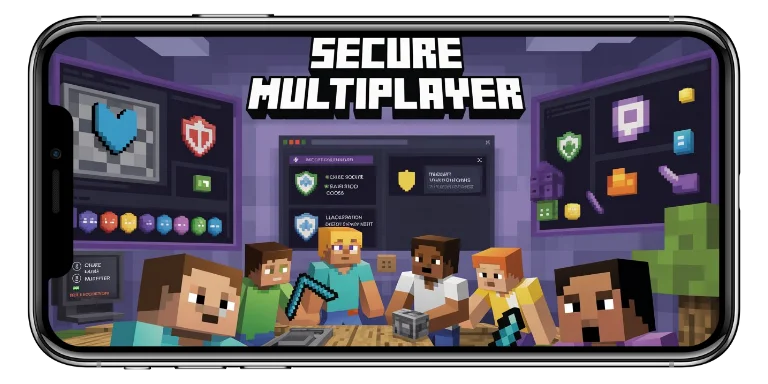
Secure Multiplayer
Secure multiplayer lets students collaborate safely. Teachers can use Classroom Mode to monitor activity, teleport students, or freeze gameplay, creating a well-managed virtual classroom.
Educational Benefits of Using Minecraft in Schools
The platform goes beyond entertainment by helping students engage with academic content in deeper, more meaningful ways.
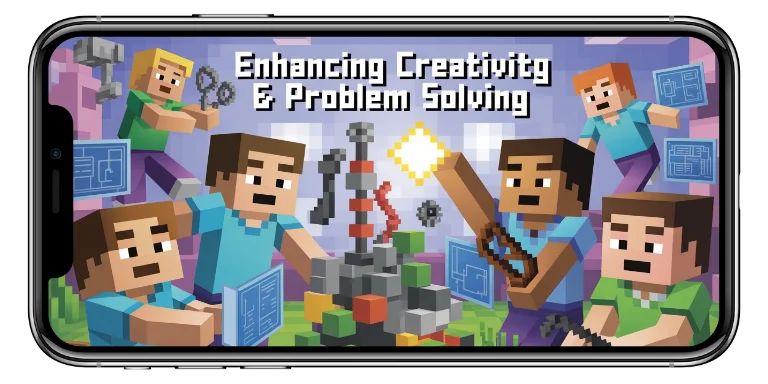
Enhancing Creativity and Problem Solving
Its open-ended nature encourages students to innovate. Whether designing eco-friendly cities or solving logic puzzles with redstone, learners develop resilience, logic, and creativity.
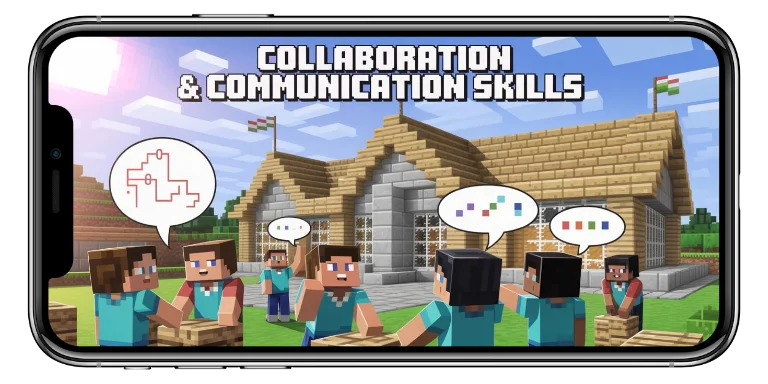
Collaboration and Communication Skills
Students often work in teams, planning builds and solving challenges. These interactions promote teamwork, negotiation, and clear communication—essential real-world skills.
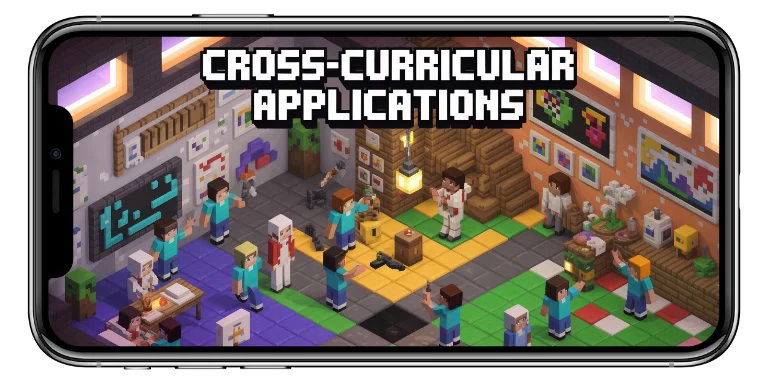
Cross-Curricular Applications
Minecraft supports lessons across subjects:
- STEM: Chemistry, coding, physics simulations
- History: Rebuilding ancient civilizations
- Language Arts: Creative writing, role-play, and journaling
Its versatility allows for engaging, project-based learning in any subject area.
How Teachers Use Minecraft Education Edition
Educators use the platform to transform traditional lessons into interactive experiences.
Curriculum Integration
The platform aligns easily with existing standards. A math lesson might include calculating area using in-game coordinates, while a science lesson could explore energy systems through Minecraft-based models.
Project-Based Learning Examples
Many teachers adopt project-based learning (PBL). A class might recreate ancient Rome, design sustainable cities, or simulate ecosystems. These projects combine creativity with academic rigor and real-world skills.

Lesson Plans and Pre-Built Worlds
A vast library of educator-created content makes lesson planning easier. Teachers can adapt worlds or use them as-is to fit their objectives, saving time and ensuring effectiveness.
Getting Started with Minecraft Education Edition
Once educators are ready to incorporate game-based learning, the next step is setting it up.
System Requirements and Installation
The platform runs on most school devices. Here’s a quick guide:
Component
Requirement / Information
Supported Platforms
Platform Compatibility
Windows 10+, macOS 10.14+, iPadOS 13+, ChromeOS
Windows, macOS, iPadOS, ChromeOS
Internet Connection
Required for multiplayer and cloud access
All supported platforms
Account Requirement
Microsoft 365 Education account
All supported platforms
Installation Sources
Official website, Microsoft Store, Apple App Store, MDM Portals
Platform-specific sources (e.g., App Store)
Installation is simple—just download the app from the appropriate store or use school IT deployment tools.
Licensing and Pricing
The game is subscription-based, often bundled with Microsoft 365 Education licenses. Discounts are available for institutions. A free trial is offered to qualifying students and teachers.
Tutorials and Onboarding Resources
Support includes:
- In-game guided tutorials
- Official training courses via Minecraft Teacher Academy
- Community lesson libraries and educator forums
These resources help teachers of all experience levels feel confident.
Real-World Case Studies and Success Stories
Educators globally report transformative experiences with Minecraft in their classrooms.
Notable School Districts Using It
Districts like New York City’s DOE and schools in Victoria, Australia, have integrated the platform at scale. In the UK, national challenges encouraged students to create sustainable virtual cities.
Student Testimonials
Students often describe the experience as fun and meaningful.
A student in Texas said:
- “I never liked history before, but building an ancient Egyptian city made me want to learn more.”
A student in Japan shared:
- “We used Minecraft to recreate our community. I felt proud to show how I solved real problems in the design.”
Global Impact Projects
Initiatives like the Global Build Challenge invite students worldwide to collaborate on real-world problems like climate change.
In Active Citizen, students explored civil rights and social justice through virtual storytelling and world-building.
These projects promote global citizenship and cross-cultural empathy.
Challenges and Criticism
While widely praised, the platform faces some challenges.

Technical Limitations or Access Issues
Not all schools have compatible devices or strong connectivity. Older machines and IT restrictions can slow adoption, especially in underserved communities.
Screen Time and Educational Balance
Concerns around screen time are valid. Educators must balance digital engagement with offline work, discussions, and physical activities to support overall development.
Teacher Training Gaps
New users may find the platform overwhelming. While tutorials exist, not all schools provide adequate time or support for teachers to master it. Ongoing professional development is essential for effective use.
The Future of Game-Based Learning with Minecraft
Minecraft continues to lead the evolution of digital education.
Upcoming Features and Updates
Future updates will offer enhanced coding tools, better multiplayer performance, and more subject-specific content. There’s growing emphasis on sustainability and real-world impact challenges.
Growing Role of AI and AR/VR in Education
AI could introduce personalized tasks or intelligent NPCs that tutor students. Meanwhile, AR/VR integrations could take students on virtual field trips—from inside a cell to ancient ruins.
How Minecraft Is Leading the Way
The platform has normalized game-based learning in schools. Its flexibility, scale, and strong educator community make it a model for other tools to follow.
Conclusion
The platform has redefined how students learn. It blends imagination with instruction and empowers learners to take charge of their education.
That said, its success depends on thoughtful integration—access to devices, teacher training, and a balanced approach.
Is it worth it?
Absolutely. For educators seeking to inspire curiosity, build critical skills, and make learning unforgettable, Minecraft Education Edition delivers.